
Cursor AI IDE in 2026: The Code Editor Reshaping Development
Cursor AI IDE in 2026: The Code Editor Reshaping Development
When developers talk about their daily AI tool stack in 2026, Cursor comes up more than almost any other product. The AI-native code editor has moved from indie darling to mainstream development environment, with adoption spreading from solo developers to engineering teams at companies with hundreds of engineers.
This article covers what Cursor actually does, how it compares to alternatives, and what teams should know before switching.
What Is Cursor?
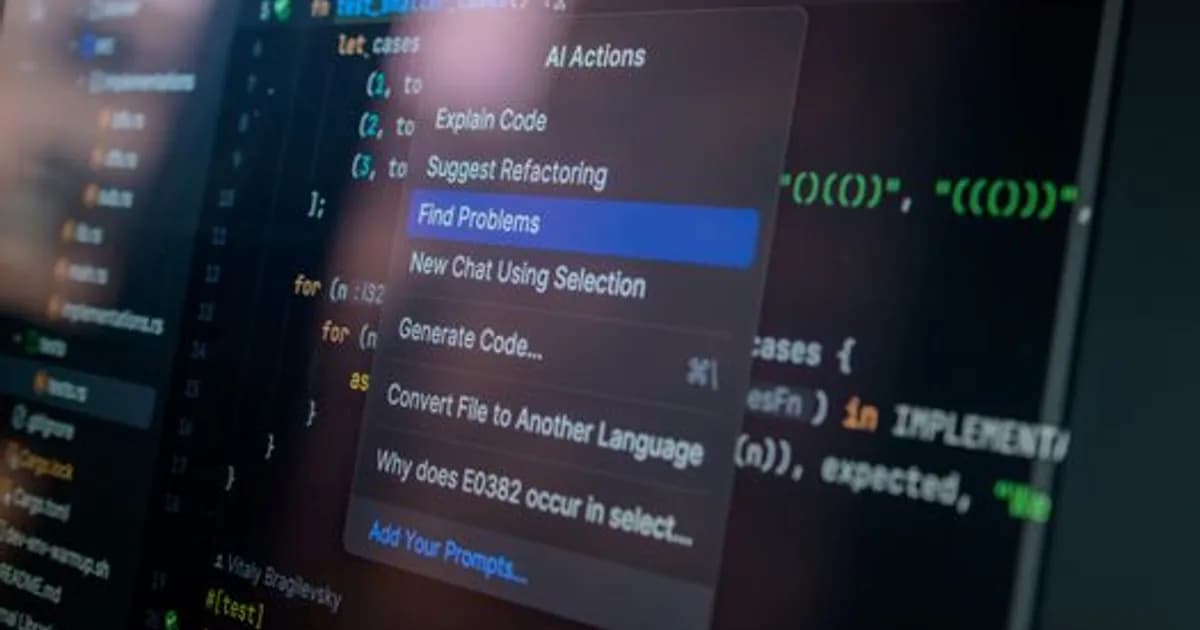
Cursor is a code editor built on VS Code's foundation with AI capabilities integrated at every layer—not bolted on as a plugin. Unlike Copilot, which adds AI suggestions to an existing editor experience, Cursor was designed from the start to make AI a first-class participant in the editing workflow.
The key capabilities that define Cursor's value proposition:
- Codebase-aware chat: You can ask questions about your entire repository and get answers that understand your actual code, not just generic patterns
- Multi-file editing: Cursor can write, modify, and coordinate changes across multiple files in a single operation
- Inline generation: Pressing a keyboard shortcut generates code inline based on a natural language description
- Diff review: AI-generated changes are shown as diffs before being applied, keeping the developer in control
The underlying models are a mix of frontier AI systems, and Cursor lets users switch between them—a practical advantage as different models excel at different tasks.
Why Cursor Gained Traction
The editor landscape in 2024 and 2025 saw dozens of AI coding tools compete, but Cursor pulled ahead by solving real friction points rather than adding features:
Context management: Previous AI coding assistants required developers to manually paste code snippets into a chat window. Cursor ingests the repository and indexes it, so the AI already knows your project structure when you ask a question.
Agency over the whole codebase: Generating a single function is a narrow use case. Cursor's multi-file editing lets it refactor a module, update tests, and fix imports in a single command—the kind of task that previously required dozens of individual AI interactions.
Composer mode: Cursor's Composer feature allows developers to describe a larger task ("add authentication with JWT to this Express app") and have the AI produce a coordinated set of changes across the codebase for review.
These capabilities don't eliminate bugs or guarantee correct code, but they shift the developer's role from writing code line by line to reviewing and directing AI-produced drafts.
How Cursor Compares to Alternatives in 2026
The AI code editor market has several serious competitors. Here's how they stack up:
GitHub Copilot Workspace: Microsoft's Copilot has expanded from inline suggestions to a workspace mode with multi-file planning. It integrates tightly with GitHub issues and pull requests, making it a strong choice for teams already deep in the GitHub ecosystem. Cursor tends to have faster iteration on new AI capabilities but less native GitHub integration.
Windsurf (Codeium): Codeium's Windsurf editor competes closely with Cursor on multi-file editing and codebase awareness. Teams with cost sensitivity find Windsurf's pricing attractive, and its performance on large codebases is competitive.
JetBrains AI Assistant: For teams using IntelliJ, PyCharm, or other JetBrains IDEs, the native AI Assistant provides deep language-specific intelligence that Cursor's more generalist approach sometimes misses. Backend Java and Kotlin teams often prefer staying in JetBrains over switching to Cursor.
Claude Code (Anthropic): Anthropic's own CLI-based coding assistant operates in the terminal rather than a GUI editor, making it a different tool for different workflows. Developers using Claude Code often combine it with their existing editor for different tasks.
Cursor's edge remains the polish of the complete experience—the editor, AI, and context management work together more cohesively than most alternatives in mid-2026.
See Best AI Coding Assistants in 2026: Ranked and Reviewed for a broader market comparison.
Cursor in Team Environments
Individual developer productivity gains with Cursor are well-documented. Teams report finishing features faster, reducing time spent on boilerplate, and having more cognitive bandwidth for architecture decisions.
Adoption in team settings introduces coordination questions:
Consistency: Different developers using AI-generated code can produce inconsistent styles if the team doesn't establish shared conventions. Some teams add custom instructions to Cursor's system prompt to enforce project-specific conventions.
Code review: AI-generated diffs are denser. Reviewers need to focus more on correctness and architecture than line-by-line reading. Teams often adjust their review process to accommodate this.
Cost: Cursor's pricing scales with usage. For high-volume engineering teams, the budget conversation is real. Most teams find the productivity gain justifies the cost, but it's worth tracking.
Onboarding: New engineers who start with Cursor as their default environment gain context about the codebase faster because they can ask questions directly. This is a genuine onboarding advantage some teams have formalized.
What Cursor Does Poorly
Cursor is not uniformly better at every coding task:
- Novel algorithm design: When there's no existing pattern to draw from, Cursor's output is less useful. AI excels at code it has seen variations of; genuinely new approaches require more developer-driven thinking.
- Complex debugging: Cursor can help trace errors and suggest fixes, but tricky production bugs—race conditions, memory leaks, latent timing issues—still require human reasoning. The AI often produces plausible-looking fixes that don't address the root cause.
- Security-sensitive code: Cryptography, authentication flows, and permission systems require careful human review of every AI-generated line. Cursor doesn't know your threat model.
- Large legacy codebases: Cursor's indexing works well for reasonably structured codebases but can struggle to provide coherent context for very large monorepos with years of accumulated complexity.
The Vibe Coding Connection
Cursor is the primary tool behind what developers have called "vibe coding"—using natural language to direct AI to write large portions of a codebase while the developer focuses on product decisions. The approach has enabled non-expert developers to build working software faster, which has both democratized development and raised questions about code quality and maintenance.
Vibe Coding in 2026: How AI Lets Anyone Build Real Software covers this trend and its implications in detail.
For professional engineering teams, vibe coding-style workflows are most useful in prototyping and greenfield work. Production codebases that need to scale, be maintained, and pass security audits require more developer judgment in the loop, even with excellent AI tooling.
Cursor's Model Flexibility
One underappreciated feature is Cursor's ability to switch between AI models for different tasks. In 2026, Cursor supports major frontier models from Anthropic, OpenAI, and Google, letting developers choose based on:
- Task type (reasoning-heavy vs. code generation)
- Latency requirements
- Cost
- Capability benchmarks for specific languages
This flexibility means Cursor can adopt new model improvements quickly—when a frontier model releases a significantly better coding capability, Cursor users can switch to it without changing their editor.
What's Next for Cursor
Cursor's roadmap reflects broader trends in AI-assisted development:
- Deeper test integration: Automatic test generation and maintenance as code changes
- Persistent agent mode: An AI that runs autonomously in the background, addressing issues from test failures or CI logs without being prompted
- Better context management: Improved handling of very large codebases where current indexing reaches its limits
The broader trajectory is toward AI coding agents that operate with increasing autonomy on defined tasks, with developer review reserved for strategic decisions. Cursor sits at the center of that shift. For more on where this is heading, see AI Coding Agents in 2026: Write, Test, Ship Code.
Should You Switch to Cursor?
For developers already comfortable in VS Code who want AI capabilities, Cursor is the lowest-friction upgrade with the highest daily impact. The learning curve is minimal—it's the same editor with AI that actually understands your codebase.
For teams on JetBrains IDEs or Vim/Neovim setups, the calculus is harder. Switching editors has real switching costs, and some alternatives have improved enough to be competitive without the migration.
The practical test: use Cursor's free tier for two weeks on your actual work. The productivity difference either shows up or it doesn't, and that's a more reliable signal than any benchmark.
Start Building Faster Today
Cursor's rise reflects a broader shift in how software gets written. The question for developers in 2026 isn't whether to use AI coding tools, but which combination of tools fits your workflow.
Try Cursor at cursor.com, use the free tier to get indexed on your current project, and test it on a feature you'd normally estimate taking two days. The result will tell you more than this article can.
Comments
Loading comments...