
Best AI Coding Assistants in 2026: Ranked and Reviewed
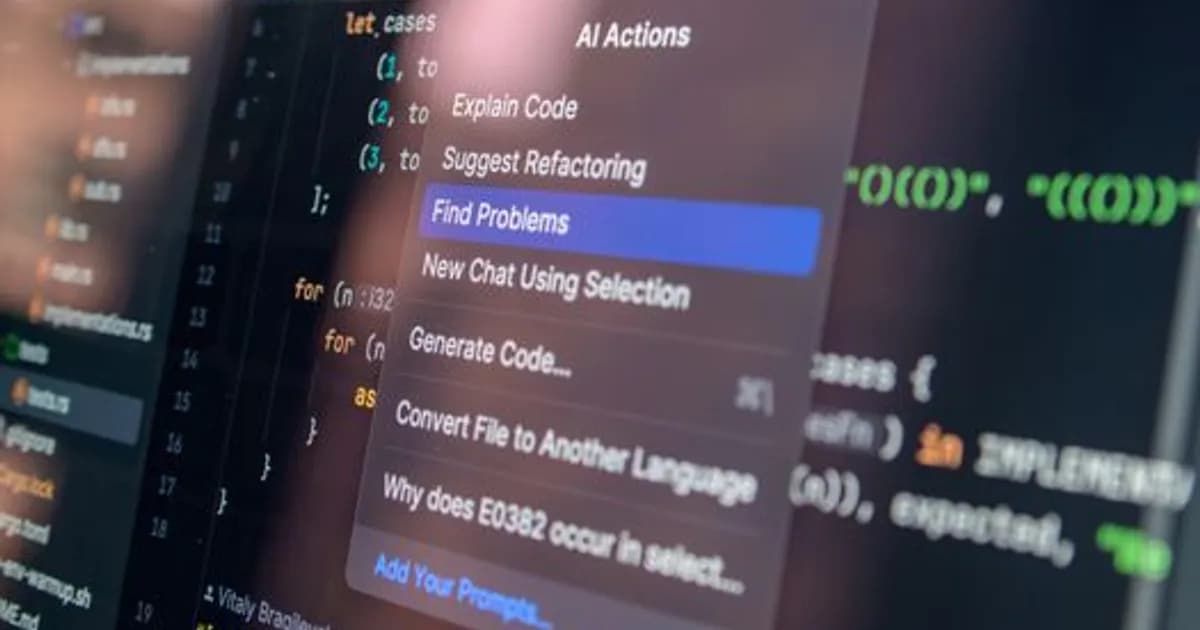
Best AI Coding Assistants in 2026: Ranked and Reviewed
The best AI coding assistants in 2026 are no longer just autocomplete engines. They plan multi-step features, write and run tests, refactor files across a project, and explain legacy code with enough accuracy to save senior developers real hours every week. The market has matured, clear tiers have emerged, and the differences between the leading tools are now significant enough to drive meaningful productivity gaps.
If you're a developer trying to cut through the marketing noise and pick the right tool, this guide covers the main contenders, how they compare in actual use, and which one fits which kind of workflow.
How AI Coding Tools Have Evolved in 2026
Two years ago, most AI coding tools competed on autocomplete speed. Today, the key differentiator is context depth — how much of your codebase the model can hold in memory at once, and how coherently it reasons across files.
The tools that have pulled ahead understand your project structure, follow existing conventions, and can coordinate changes across multiple files without producing contradictions or broken imports. The tools that have stagnated are still delivering single-function suggestions with no awareness of what surrounds them.
That shift changes everything about how you should evaluate these tools. Autocomplete benchmarks don't tell the full story anymore.
GitHub Copilot: The Broadest Coverage
GitHub Copilot remains the dominant choice by install count, and for good reason. Its 2025 update introduced meaningful multi-file context awareness, and the 2026 model improved monorepo support with cross-repository suggestion handling. It integrates with VS Code, JetBrains IDEs, and Neovim without friction.
Copilot's strengths are breadth and reliability. It works across every mainstream language and rarely produces suggestions that break compilation. The inline chat feature in VS Code lets you ask questions about selected code, request refactors, or generate documentation without switching context.
Its weaknesses show up on complex, large-scale tasks. For small contained changes, Copilot is fast and accurate. For anything requiring coordinated changes across a large codebase — where understanding the full dependency graph matters — it starts to feel limited compared to the agent-mode tools.
Pricing is $19/month for individuals. For most developers who want a steady productivity lift without a steep learning curve, it remains the sensible default.
Cursor: The Best Choice for Agent-Driven Development
Cursor has become the preferred tool for developers who want AI that takes multi-step actions, not just suggestions. Its agent mode reads a task description, determines which files need to change, makes those changes, and runs the test suite to verify results — without manual prompting between each step.
The practical difference from Copilot is substantial. Cursor indexes your entire project, not just open files. When you ask it to add a feature, it scans relevant files, generates a plan you can review, and then executes. The output isn't always perfect, but it's typically a strong draft requiring refinement rather than a full rewrite.
Cursor uses Claude and GPT-4o under the hood, with a model selector letting you choose per task. The agent mode burns tokens quickly on large tasks, which is worth factoring into the cost equation.
At $40/month for the Pro plan, Cursor is priced at a premium. For developers doing heavy feature work on complex codebases, the time savings justify the cost. For lighter workloads or teams on tighter budgets, Copilot covers the gap adequately.
To understand how the underlying models powering these tools differ — which matters for choosing between Copilot and Cursor's model options — see GPT-5 vs Claude 4: Which AI Model Actually Wins in 2026?.
Windsurf: The Challenger Worth Evaluating
Windsurf entered serious competition in late 2025 with a focus on what it calls "flow state" editing. Rather than waiting for an explicit prompt, Windsurf observes your edits in real time and proactively offers the next logical step — scaffolding the next component, updating related test files, or suggesting imports as you write.
For repetitive structural work — building out component libraries, keeping test files in sync with interface changes, generating consistent boilerplate — this works well and feels genuinely different from the prompt-then-wait pattern of other tools.
For exploratory coding or debugging, the proactive behavior can get in the way. When you're reasoning through a problem, you don't always want suggestions appearing before you've finished thinking.
Windsurf is priced at $25/month, sitting between Copilot and Cursor. It closes the context-depth gap with each update, and for teams that spend significant time on repetitive structural work, it's worth a two-week trial.
Smaller Tools Worth Knowing
Not every developer needs a flagship assistant. Several more focused options solve specific problems well:
- Tabnine: The go-to for teams with strict data privacy requirements. Runs fully on-premises with no data leaving your network. Inference is slower than cloud tools, but it satisfies enterprise security and compliance requirements that the others can't match.
- Codeium: A free-tier option with solid autocomplete. Lacks the agent features of Cursor or Windsurf but provides genuinely useful suggestions at no cost, which makes it a reasonable choice for students, freelancers, and teams with no budget for AI tooling.
- Replit AI: Best for prototyping. It manages the full environment — deployment, dependencies, and code — making it excellent for proofs of concept and rapid demos. Not suited to production-grade codebases.
- Amazon CodeWhisperer: The choice for teams deeply invested in the AWS ecosystem. Strong on security scanning and compliance for AWS-specific code patterns.
These tools fill real gaps. If you're in a regulated industry, Tabnine solves a compliance problem the cloud tools can't. If you're prototyping a new product direction, Replit AI gets you to a working demo faster than any of the others.
How to Choose the Right AI Coding Assistant
The right choice depends on your workflow, not which tool scores highest on a benchmark. Three questions help narrow it down.
Are you mostly writing new features or maintaining an existing codebase? Maintenance-heavy work — tracking down bugs, updating interfaces across files, keeping tests in sync — benefits most from deep context tools like Cursor. Greenfield feature development runs well on Copilot.
How comfortable is your team with reviewing larger AI-generated changesets? Agent mode saves time but generates more code at once. Teams that prefer incremental changes tend to find Copilot's suggestion-by-suggestion model easier to review and trust.
What's the actual budget? Copilot at $19/month is reasonable for most individual developers. Cursor at $40/month makes sense when the tool is saving several hours a week on complex work. Windsurf at $25/month is worth trialing if the agent and flow behaviors sound useful for your daily patterns.
What AI Coding Tools Still Get Wrong
These tools are not code reviewers. They help you write code faster, but they won't reliably catch subtle logic errors, race conditions, or concurrency bugs. Security vulnerabilities are a particular concern — an AI that generates confident-looking code can generate insecure code with equal confidence.
Performance and architectural problems are another gap. AI assistants optimize for getting the code to work, not for understanding your system's load characteristics, memory model, or long-term maintainability.
The tools also underperform on highly domain-specific or proprietary codebases. Custom build systems, internal frameworks, and heavy metaprogramming push the AI outside the patterns it knows well. Suggestions become less reliable the further the codebase strays from mainstream conventions.
Use these tools to move faster on known patterns. Don't use them to reduce the rigor of code review.
Conclusion
The best AI coding assistants in 2026 offer real productivity gains, but the gains are largest when the tool matches the workflow. GitHub Copilot is the safe, broad choice for most developers. Cursor is the right pick for agent-driven development on complex codebases. Windsurf is the challenger worth evaluating for repetitive structural work.
Pick one tool, use it consistently for two weeks, and measure the actual time saved before adding anything else. The tools are good enough now that the bottleneck isn't the software — it's using it with enough discipline to build genuine habits around it.
Explore more: see how engineering teams are integrating AI assistants into their code review process, or check our breakdown of the best AI tools for technical documentation.
Comments
Loading comments...