
AI Coding Assistants Compared: September 2026 Guide
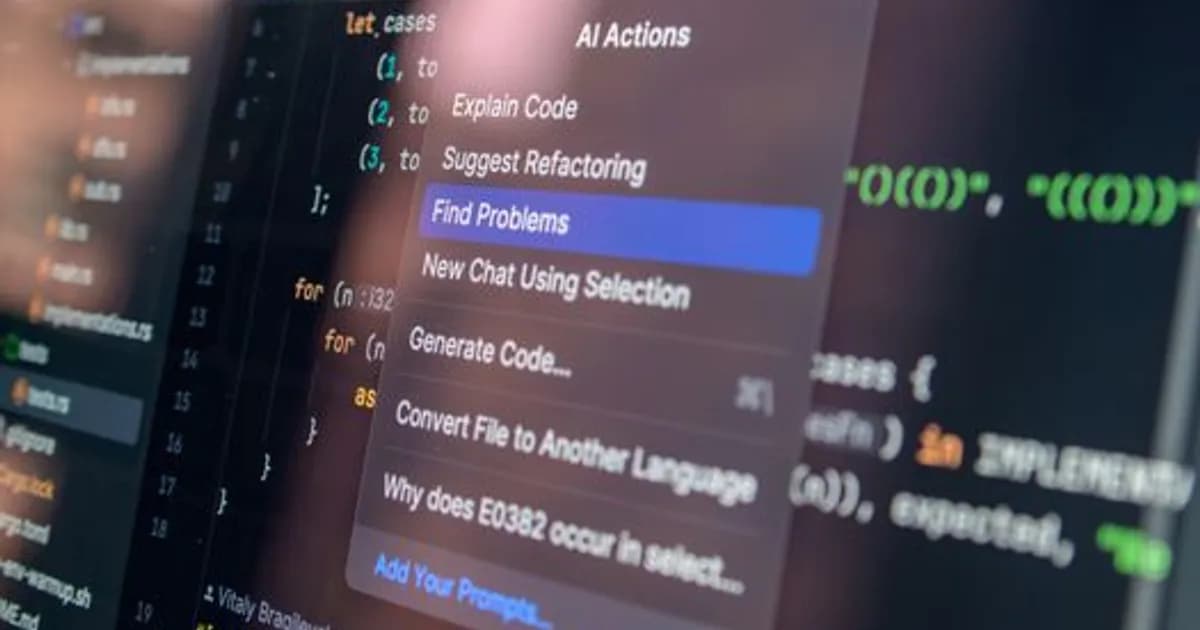
AI Coding Assistants Compared: September 2026
AI coding assistants in September 2026 are no longer tools that help developers write individual functions faster. The best of them now participate in architectural decisions, navigate large codebases, write and run tests, and handle full feature implementation across multiple files with contextual coherence that earlier tools couldn't maintain.
The market has also consolidated somewhat. After a proliferation of entrants in 2023-2024, a smaller number of tools have achieved meaningful differentiation and developer adoption. Here's where the leading options stand this month.
What's Changed Since Early 2025
To understand the current landscape, it helps to understand what has changed in AI coding tools in the last 18 months:
Context window expansion: The practical context available to coding AI has grown dramatically. Tools can now reason over an entire codebase rather than just the file currently open, enabling more coherent multi-file changes and better understanding of how a proposed change interacts with the rest of the system.
Agentic capabilities: The distinction between "autocomplete on steroids" and "AI that takes actions" has become central. Leading tools in 2026 can run code, run tests, search documentation, make file system changes, and iterate on results — not just suggest code for a human to copy.
Better reasoning: The underlying models powering coding tools have improved substantially at the kinds of reasoning that matter for code: understanding complex logic, identifying edge cases, planning multi-step implementations, and catching bugs that aren't obvious syntactically.
IDE and workflow integration: The best tools in 2026 integrate deeply into development workflows — not just IDEs but also CI pipelines, code review processes, and issue trackers.
Major Players in September 2026
GitHub Copilot
GitHub Copilot remains the most widely deployed AI coding tool by user count, largely because of its integration with GitHub — the platform where most professional code lives. Copilot has evolved substantially from its early autocomplete origins:
- Copilot Chat with workspace understanding: Copilot can now reason over an entire repository, not just the open file. Developers can ask questions about their codebase and get answers grounded in the actual code.
- Copilot Autofix: Integration with GitHub security scanning means Copilot can propose fixes for identified security vulnerabilities in PRs.
- Agent mode: Copilot's agent capabilities — the ability to take multi-step actions in the IDE — have improved but still lag the most capable competitors in agentic task completion.
Best for: Teams already deeply integrated in the GitHub ecosystem, organizations wanting wide-deployment ease without custom configuration.
Cursor
Cursor — the AI-native code editor — has become a dominant choice among individual developers and smaller teams for whom workflow integration matters more than enterprise deployment characteristics:
- Deep IDE integration: Because Cursor is the editor, not a plugin to an existing editor, it can integrate AI capabilities at a level that plugins cannot match. Context gathering, action taking, and UI integration are all tighter.
- Strong agentic mode: Cursor's agent can handle multi-step feature implementation with meaningful autonomy, including writing tests and verifying that implementations work.
- Model flexibility: Cursor supports multiple underlying models, allowing teams to choose between speed, cost, and capability.
Best for: Individual developers and small teams who want maximum AI coding capability and are willing to use a custom editor.
Claude Code (Anthropic)
Claude Code is Anthropic's terminal-based coding AI that has built a strong following among developers who work in complex codebases and value deep codebase reasoning over simple autocomplete speed:
- Codebase-wide context: Claude Code is particularly strong at reasoning over large codebases and maintaining coherence across complex multi-file changes.
- Careful, accurate reasoning: Claude's underlying models are known for detailed, step-by-step reasoning that catches edge cases and avoids common AI coding mistakes.
- Terminal-first: Unlike IDE-plugin tools, Claude Code works in the terminal, which suits certain developer workflows well and integrates naturally with agentic task execution.
Best for: Developers working in complex, large codebases who prioritize accuracy and careful reasoning over speed.
Amazon Q Developer
Amazon Q Developer (formerly CodeWhisperer) is the leading option for teams working primarily in the AWS ecosystem:
- AWS service integration: Q Developer's understanding of AWS APIs, CloudFormation, CDK, and other AWS services is deeper than general-purpose tools.
- Security scanning: Built-in security vulnerability detection, with remediation suggestions, is well-integrated into the Q experience.
- Enterprise security compliance: Q Developer has strong enterprise compliance characteristics — data handling, audit trails, and integration with AWS security services.
Best for: Teams building on AWS infrastructure, organizations with strict data handling requirements that want AWS's compliance guarantees.
Comparing Capabilities
The areas where coding AI tools in 2026 differ most meaningfully:
Agentic Task Completion
The ability to complete a described task autonomously — rather than just generating code for a human to review — varies significantly across tools. Tools that handle multi-file changes, run tests, and iterate on failures with minimal human intervention complete more complex tasks autonomously than those that primarily suggest code snippets.
No tool in September 2026 is fully autonomous for complex features, but the best can complete non-trivial tasks with occasional human checkpoints.
Code Quality and Bug Detection
There is genuine variation in how often AI coding tools introduce subtle bugs. The more capable reasoning models make fewer logical errors but may be slower. Teams choosing tools should test on their own codebase and domain before committing.
Cost Structure
Pricing varies considerably:
- Per-seat subscription: GitHub Copilot Individual and Business pricing, Cursor Pro
- Usage-based: Claude Code, some enterprise tiers that price by token consumption
- Bundled: Amazon Q Developer is included or discounted for AWS customers
For teams doing heavy AI-assisted development, usage-based pricing can be significantly more expensive than per-seat. For lighter users, per-seat pricing provides cost predictability.
Practical Recommendations by Developer Type
Solo developer, speed-focused: Cursor is the strongest option for pure productivity. The IDE integration and agentic capabilities are best-in-class for individual use.
Enterprise team, GitHub-centric: GitHub Copilot Business provides the easiest enterprise deployment and workflow integration for GitHub-centric teams.
AWS-heavy team: Amazon Q Developer is the natural choice, with deep AWS context that generic tools don't match.
Complex codebase, accuracy-focused: Claude Code is worth serious evaluation for teams where accuracy and codebase reasoning matter more than raw autocomplete speed.
What's Still Hard
Despite substantial improvement, AI coding tools in September 2026 still struggle with:
- Novel algorithmic problems: Generating correct solutions to problems that require significant mathematical or algorithmic insight beyond pattern-matching
- Long-running debugging: Debugging sessions that require hypothesizing, testing, and iterating across many attempts remain harder than initial implementation
- Domain-specific correctness: Areas like embedded systems programming, high-frequency trading systems, or formal verification where correctness requirements are unusually strict
- Understanding implicit organizational context: Knowing why the codebase is structured a particular way, what past decisions informed present architecture, and what constraints exist outside the code itself
For a look at how AI coding tools are reshaping developer workflows more broadly, see our earlier coverage of AI code generation for developers in 2026.
The Bottom Line
AI coding tools in September 2026 have moved from productivity multipliers on routine tasks to genuine participants in software development. The best tools handle meaningful portions of implementation work autonomously. The developer's role has shifted toward defining what needs to be built, reviewing what the AI produces, and handling the parts AI still gets wrong.
Which tool is right for your team depends on your workflow, codebase complexity, ecosystem, and how you weight speed against accuracy. The good news is that all of the leading options have gotten substantially better in the last year — the floor of what's available has risen considerably.
Comments
Loading comments...