
ChatGPT in 2026: Every Major Feature Update This Year
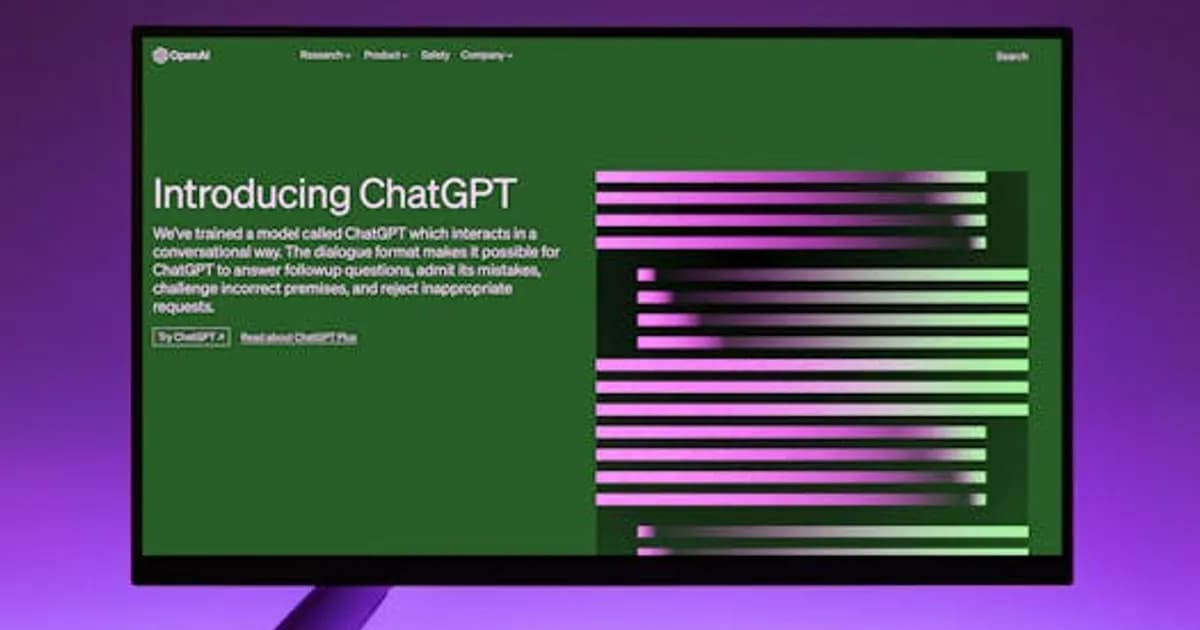
ChatGPT in 2026: Every Major Feature Update This Year
ChatGPT has come a long way from the text chatbot that launched in 2022. By mid-2026, it's less a single product and more an expanding platform — one that handles voice, vision, web browsing, code execution, memory, file analysis, and autonomous task completion. For regular users, the pace of change has made it hard to track what's actually available and what works.
This guide covers the most significant ChatGPT updates in 2026 so far, what they mean in practice, and which plans they're available on.
GPT-5 and the Model Tier Upgrade
The most significant change in 2026 is the full rollout of GPT-5 as the default model for ChatGPT Plus subscribers. GPT-5 brings substantially better reasoning, improved instruction-following, and noticeably more accurate responses to complex questions that require multi-step thinking.
OpenAI also introduced GPT-5 Mini as a faster, cheaper alternative for high-volume use cases — it runs at roughly one-third the cost of GPT-5 with acceptable quality for many everyday tasks. Free-tier users were upgraded from GPT-3.5 to a limited version of GPT-5 Mini, which represents a meaningful quality jump from where the free tier stood previously.
For a detailed look at the full GPT-5 model and its capabilities, see GPT-5: Features, Release Date, and Real-World Impact.
Memory Gets Significantly More Useful
ChatGPT's memory feature, which lets the model remember information across conversations, received a major overhaul in early 2026. The previous version required users to manually manage what ChatGPT remembered, which most people didn't bother doing.
The updated memory system works more proactively. ChatGPT now identifies and stores relevant context automatically — your job, your projects, recurring preferences, and facts you've mentioned — and uses that context to improve responses without you having to repeat yourself in every session.
Opt-out controls are clearer, and Enterprise users can set organization-level memory policies. The feature has made ChatGPT noticeably more useful for people who use it daily as a work tool rather than for one-off queries.
Projects: Organized Workspaces for Ongoing Tasks
Projects launched in late 2025 and have matured significantly into 2026. The feature lets users create separate workspaces, each with its own file uploads, instructions, and conversation history. A user can have one project for client research, another for writing, and another for coding — with distinct context and settings for each.
Projects effectively turned ChatGPT into a more serious productivity tool. Teams using ChatGPT Team accounts can share projects, which enables light collaboration on AI-assisted work without needing a dedicated enterprise deployment. This is particularly useful for small agencies and startups that want shared AI context without complex IT overhead.
Voice Mode: From Novelty to Useful
Advanced Voice Mode launched in late 2024 and has been refined substantially through 2026. The current version supports back-and-forth conversation with genuinely low latency — it's fast enough that talking to ChatGPT feels like a real-time conversation rather than a turn-based exchange.
New capabilities added this year include:
- Real-time translation during voice conversations
- Voice-based image analysis (describe what you're looking at)
- Custom voice profiles for Teams accounts
- Improved emotion and tone awareness in responses
Voice mode is now available across iOS, Android, and the web app. It's replaced dedicated voice assistant apps for a growing number of users who previously used Siri or Google Assistant for quick lookups and reminders.
Deep Research Mode
OpenAI launched a Deep Research feature that lets ChatGPT spend several minutes conducting multi-step web research on complex questions before returning a detailed, cited report. It browses multiple sources, reconciles conflicting information, and produces structured outputs that can run to several thousand words.
Deep Research is positioned against tools like Perplexity Pro and is primarily useful for:
- Competitive analysis and market research
- Technical deep dives that require aggregating documentation
- Policy and regulatory research
- Literature reviews and background research
The feature is available on Plus and Pro plans, with usage limits that vary by subscription tier. It's not useful for quick queries — the research process takes several minutes — but for tasks that previously required an hour of manual research, the time savings are substantial.
Canvas: Collaborative Document Editing
Canvas is a split-screen workspace where ChatGPT works alongside you on long-form documents and code. Instead of getting back a complete response in the chat thread, you work on a shared document that both you and ChatGPT can edit.
For writers, Canvas offers inline editing — you can highlight a paragraph and ask ChatGPT to rewrite, expand, or trim it without affecting the rest of the document. For developers, the code canvas supports syntax highlighting, inline error fixing, and running code directly in the interface.
Canvas is available for Plus subscribers and has become one of the most-used features for users doing extended writing or coding sessions in ChatGPT.
Operator and Automation Integrations
OpenAI's Operator tool — a web agent that can browse and interact with websites autonomously — has expanded its capabilities in 2026. It can now complete multi-step tasks like filling out forms, booking appointments, and navigating web apps with fewer errors than the initial release. See OpenAI Operator in 2026: Web Agent Tested and Rated for a detailed breakdown.
ChatGPT has also added native integrations with Slack, Google Workspace, and Microsoft 365. These connectors let ChatGPT access your emails, calendar, and documents to provide context-aware assistance without manual copy-pasting.
What's Still Missing
Despite the expansion, a few gaps remain worth knowing about. ChatGPT still doesn't have real-time data in the base chat interface without web browsing enabled — turn off web access and it reverts to training data with a knowledge cutoff. Memory doesn't sync across all surfaces consistently, which leads to occasional context loss on the mobile app. And the free tier, while improved, still lacks access to most of the features described above.
For a direct comparison of how ChatGPT stacks up against its main competitor, see GPT-5 vs Claude 4: Which AI Model Actually Wins in 2026?.
The Bottom Line on ChatGPT in 2026
ChatGPT in mid-2026 is a significantly more capable and versatile product than it was a year ago. Memory, Projects, Voice Mode, Canvas, and Deep Research together make it competitive for sustained professional use — not just quick questions.
The challenge for most users is keeping up with what's been added and whether their current subscription tier includes it. If you've been on a free or Plus plan for a while without reviewing what's changed, it's worth spending thirty minutes exploring — there's a good chance there are tools in there that could reshape how you work.
Visit chat.openai.com to check which features are active on your account.
Comments
Loading comments...