
Best AI Video Editing Tools in 2026: Top Picks Ranked
Best AI Video Editing Tools in 2026: Top Picks Ranked
AI video editing tools have moved from novelty to necessity. What once required a full post-production team and days of work can now be done in hours with the right AI-powered platform. In 2026, the market has matured enough that there are clear leaders — and clear losers — depending on what you need.
This guide covers the top AI video editing tools, how they differ, and which ones are worth your money.
Why AI Video Editing Has Taken Off
The shift happened for two reasons: raw capability and cost. AI models that can understand video frame-by-frame finally crossed a quality threshold where the output was good enough to use in professional work. At the same time, the cost of hiring editors has kept rising, making AI tools a financially attractive alternative for smaller teams.
A few capabilities that have become standard in AI video editors:
- Auto-transcription and captioning: Near-perfect speech-to-text, with auto-formatted captions synced to the video
- Scene detection and smart cutting: AI identifies natural edit points and trims dead air automatically
- Background removal and replacement: Real-time keying without a green screen
- Generative B-roll: AI generates supporting footage to fill gaps, using text prompts
- Voice cloning and dubbing: Translate and redub video into multiple languages with the original speaker's voice
These aren't future features — they're available today across multiple tools.
Runway Gen-4: The Pro Standard
Runway remains the top choice for professionals who need generative AI that integrates into a real editing workflow. Gen-4 added several capabilities that matter in production:
- Consistent characters: Earlier Runway generations struggled with keeping the same character looking consistent across generated clips. Gen-4 largely solves this.
- Motion brush control: You can paint specific elements of a frame and direct how they move, giving you precise creative control.
- Reference video input: Feed in a visual style reference and Gen-4 will generate new footage that matches it.
The pricing reflects its professional target audience — Runway's paid plans run from $15 to $95 per month depending on compute needs. It's not cheap, but for commercial video production it more than pays for itself.
The platform also connects cleanly with Premiere Pro and DaVinci Resolve via plugin, so it fits into existing workflows rather than replacing them.
Adobe Premiere Pro AI Features
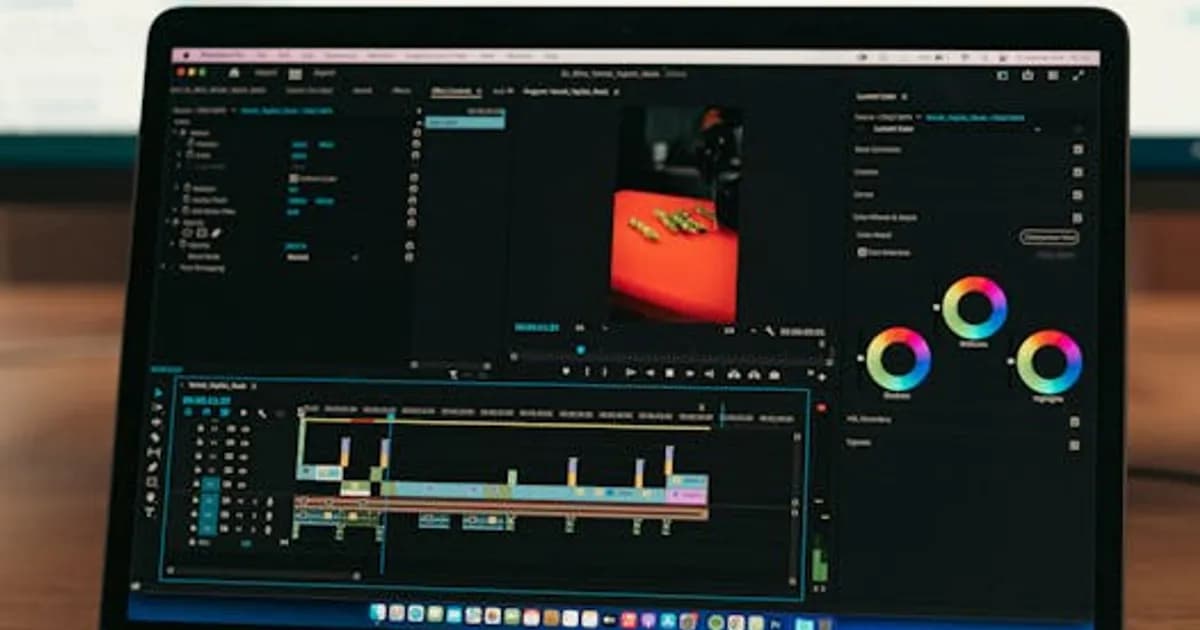
Adobe has deeply embedded AI throughout Premiere Pro via its Sensei and Firefly systems. If you're already in the Adobe ecosystem, you may not need a standalone AI tool.
Key AI features in Premiere Pro 2026:
- Generative Extend: Extend a clip's duration by generating additional frames that match the existing footage — useful when you're a half-second short.
- Auto Color Match: Match the color grade of one clip to another automatically.
- Text-Based Editing: Edit video by editing its transcript — delete words from the transcript, and Premiere deletes the corresponding frames.
- Speech Enhancement: Reduce background noise and improve audio clarity with one click.
For teams already on Creative Cloud, these features come included. Adobe's advantage is deep integration with After Effects and Audition, letting you pull AI-generated content into a professional finishing pipeline.
CapCut and Creator-Focused AI Tools
For creators who don't need Hollywood-grade output, CapCut has become the dominant tool — especially on mobile. Its AI features include one-tap clip cleanup, auto-captioning with viral-style templates, and an AI avatar system that generates a presenter without filming anyone.
CapCut's sweet spot is short-form video for TikTok, Instagram Reels, and YouTube Shorts. The workflow is fast, the templates are trend-aware, and the free tier is genuinely useful.
Other tools worth knowing in the creator space:
- Descript: Built around transcript-based editing, excellent for podcasts repurposed as video. The overdub feature lets you fix verbal mistakes by typing a correction.
- Pictory: Converts long-form blog posts or scripts into short video summaries with AI-matched stock footage.
- OpusClip: Specializes in automatically cutting long YouTube videos into short-form clips, with AI identifying the most engaging moments.
For AI-generated video from scratch, our 2026 Sora and Runway comparison covers the generative side in more depth.
AI for Long-Form vs. Short-Form Video
The right tool depends heavily on your output format.
For long-form content (documentaries, training videos, YouTube videos over 15 minutes):
- Descript or Adobe Premiere Pro with AI plugins are best. You need robust editing control alongside AI assistance.
- Runway's video-to-video tools can enhance footage quality but won't replace a timeline editor.
For short-form content (Reels, Shorts, TikTok):
- CapCut, OpusClip, and Pictory excel here. Speed and template quality matter more than granular control.
- AI social media tools pair well with these — check our AI social media tools roundup for the full picture.
For commercial/marketing video:
- Runway Gen-4 or Adobe's AI suite are the standards. Quality requirements justify the higher price.
- Consider HeyGen for AI avatar-based videos — it's especially strong for explainer content and product demos.
What to Look for When Choosing an AI Video Editor
Not every AI video tool is worth paying for. Before committing, ask these questions:
- Does it integrate with your existing workflow? A tool that requires you to export to a proprietary format and re-import is a time sink.
- What's the compute limit on the free or base tier? AI processing is expensive; many tools throttle heavily on lower plans.
- How good is the audio AI? Bad audio kills a video faster than bad visuals. Test the noise reduction and transcription quality specifically.
- Who owns the output? Some platforms claim licensing rights over AI-generated content. Read the terms of service.
- How current are the style templates? Trend-aware templates need updating constantly — a tool that hasn't updated its templates in six months will produce visually dated content.
Comparison: Top AI Video Editing Tools in 2026
| Tool | Best For | Price Starts At | Generative Video | |------|----------|-----------------|-----------------| | Runway Gen-4 | Pro production | $15/mo | Yes | | Adobe Premiere Pro | Full pipeline editing | $55/mo (CC) | Yes (Firefly) | | CapCut | Short-form creators | Free | Limited | | Descript | Podcast / transcript editing | $12/mo | No | | OpusClip | Repurposing long video | $9/mo | No | | HeyGen | AI avatar videos | $29/mo | Yes |
AI video editing is no longer optional for anyone producing content at scale. The tools exist, the quality is there, and the time savings are real. Start with the free tiers — CapCut and Descript both offer strong free plans — and move up to paid options once you know which workflow fits your production.
The biggest mistake is waiting. Every month you spend editing manually is a month your competitors are using these tools to produce more, faster.
Comments
Loading comments...