
Best AI Tools for Remote Work in 2026: Stay Productive
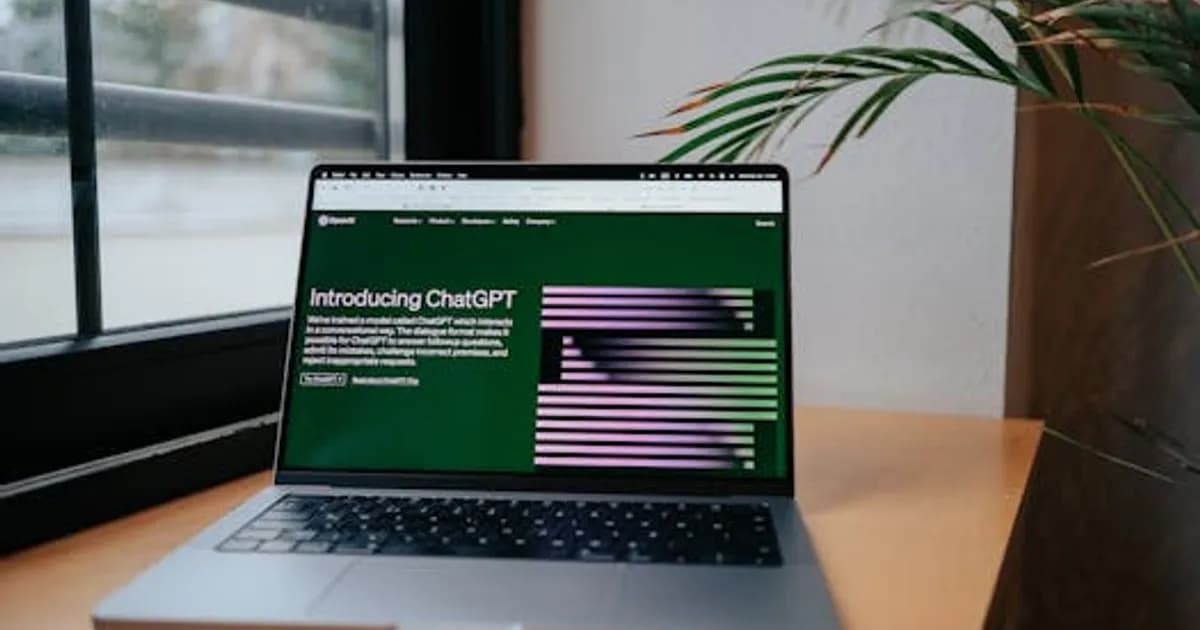
Best AI Tools for Remote Work in 2026: Stay Productive
Remote work never went away, and neither did its core challenges: meetings that eat the calendar, async communication that creates bottlenecks, documentation that nobody maintains, and coordination overhead that scales poorly as teams grow. What changed in 2026 is that AI tools for remote work have matured enough to genuinely solve several of these problems — not just add another app to the stack.
This guide covers the best AI tools for remote and distributed teams, organized by what they actually fix.
Why Remote Work Needs AI More Than Office Work Does
In an office, coordination happens through proximity. You overhear context, catch someone for a quick question, and absorb information passively from the environment. Remote work strips all of that away and replaces it with structured communication that requires deliberate effort.
AI doesn't restore the informal office dynamic. But it does reduce the overhead that makes remote work feel slower than it should:
- Automatic meeting summaries mean not everyone has to attend every call
- AI writing assistance accelerates async documentation that keeps distributed teams aligned
- Intelligent scheduling reduces back-and-forth calendar negotiation across time zones
- Workflow automation handles repetitive coordination tasks that would otherwise require manual follow-up
The net effect is less time managing coordination, more time doing actual work. For distributed teams across multiple time zones, that multiplier matters substantially.
AI Meeting Tools: Capture What Happens When You're Not There
Meeting overload is a defining remote work problem. The solution isn't fewer meetings — it's ensuring that meetings produce useful records so attendance becomes optional for people who don't need to participate live.
Top AI meeting tools in 2026:
- Otter.ai — Real-time transcription with speaker identification, action item extraction, and meeting summaries pushed to Slack or Teams automatically
- Fireflies.ai — Integrates with Zoom, Teams, Google Meet, and Webex; generates searchable transcripts with topic tagging and sentiment analysis
- Fathom — Lightweight, privacy-focused meeting recorder with clean AI summaries; popular with smaller teams
- Notion AI meetings — Automatically creates structured meeting notes in your Notion workspace with follow-up task creation
The standard workflow at distributed teams using these tools: record every meeting, share the AI summary in the team channel within minutes, and let async participants catch up without a dedicated briefing. Attendance becomes a choice rather than an obligation.
AI for Async Communication and Writing
The async writing burden is real. Slack threads, status updates, proposal documents, project briefs — distributed teams produce and consume more written communication than co-located teams. AI writing tools reduce the friction of that output significantly.
Most-used AI writing tools for remote teams:
- Claude and ChatGPT remain the go-to for drafting, editing, and improving any text — from Slack summaries to project proposals
- Grammarly Business now includes tone analysis and rewrite suggestions calibrated for professional async communication
- Notion AI and Coda AI bring writing assistance directly into the team documentation tools most remote teams already use
- Loom AI generates written summaries and chapter markers from async video messages automatically
For async-heavy teams, having AI available inside the writing environment — not as a separate tab — reduces context-switching and encourages using it for routine drafts rather than just big documents.
AI for Project Management and Coordination
Project management in distributed teams requires more explicit structure than in-person work. AI is starting to handle parts of the coordination layer that previously required dedicated project managers or constant manual updates.
Useful AI features in project management tools:
- Asana Intelligence — Automatically identifies blocked tasks, suggests priority adjustments, and drafts project status updates from task data
- Linear's AI features — Surfaces at-risk issues, generates PR descriptions from commit history, and predicts sprint completion likelihood
- Monday.com AI — Drafts project plans from brief descriptions and auto-assigns items based on team member workload patterns
- ClickUp AI — Generates task descriptions, writes sprint summaries, and can query project data in natural language
The key benefit for remote teams: AI reduces the time project managers spend on status reporting and follow-up, which is disproportionately burdensome when teams can't coordinate through hallway conversations.
AI Scheduling and Calendar Tools
Time zone coordination is one of the most concrete friction points for global remote teams. AI scheduling tools haven't eliminated it, but they've made it noticeably more manageable.
Top scheduling AI tools:
- Reclaim.ai — Automatically schedules focus blocks, moves low-priority meetings to protect deep work time, and learns preferences over time
- Clockwise — Analyzes the entire team's calendar to find meeting times that minimize fragmentation of focus time across time zones
- Cal.com AI — Open-source scheduling with AI-powered availability detection and meeting type recommendations
- Motion — Combines task management with AI calendar scheduling, automatically slotting work based on deadlines and energy patterns
The best tools here work with your existing calendar rather than requiring a full migration. Reclaim.ai and Clockwise both integrate directly with Google Calendar and Microsoft 365 with minimal setup.
AI Knowledge Management for Remote Teams
Distributed teams often struggle with knowledge silos — information living in individual heads or buried in chat history. AI knowledge management tools make institutional knowledge searchable and usable.
Tools worth considering:
- Notion AI Q&A — Answers natural language questions about your Notion workspace across all pages, databases, and docs
- Guru AI — Surfaces verified knowledge cards in context, directly inside Slack and other tools where questions get asked
- Glean — Enterprise-grade AI search across Slack, Google Drive, Confluence, Salesforce, and other connected tools simultaneously
- Confluence AI — Drafts and updates documentation, answers questions from your team's knowledge base in chat
For remote teams, reducing the number of times someone has to ask a colleague for information that already exists somewhere reduces interruptions and supports asynchronous autonomy.
Setting Up an AI Remote Work Stack
You don't need all of these tools — the right combination depends on team size, budget, and the specific bottlenecks you're experiencing.
A practical starting stack for a 10–50 person remote team:
- Meeting intelligence: Otter.ai or Fireflies.ai (free tiers available)
- Writing assistance: Claude or ChatGPT Plus (or whatever your team uses most)
- Project management AI: Asana Intelligence or Linear if you're engineering-heavy
- Calendar optimization: Reclaim.ai (free tier handles most team needs)
- Knowledge management: Notion AI if you're already on Notion; Guru or Glean for larger teams
For additional tools that complement remote work setups, see our roundup of best AI productivity apps in 2026 and best AI meeting assistants in 2026.
The Bottom Line
AI tools for remote work have crossed the line from nice-to-have to genuinely useful in 2026. Meeting documentation, async writing, project coordination, and knowledge retrieval are all areas where AI reduces the overhead that makes distributed work feel slower than it should.
The teams getting the most value aren't the ones using the most tools — they're the ones who identified their specific coordination bottlenecks and picked tools that address them directly. Start with the friction you feel most, add one tool, measure whether it helps, and expand from there.
Comments
Loading comments...