
AI Podcast Tools in 2026: Automate Your Audio Content
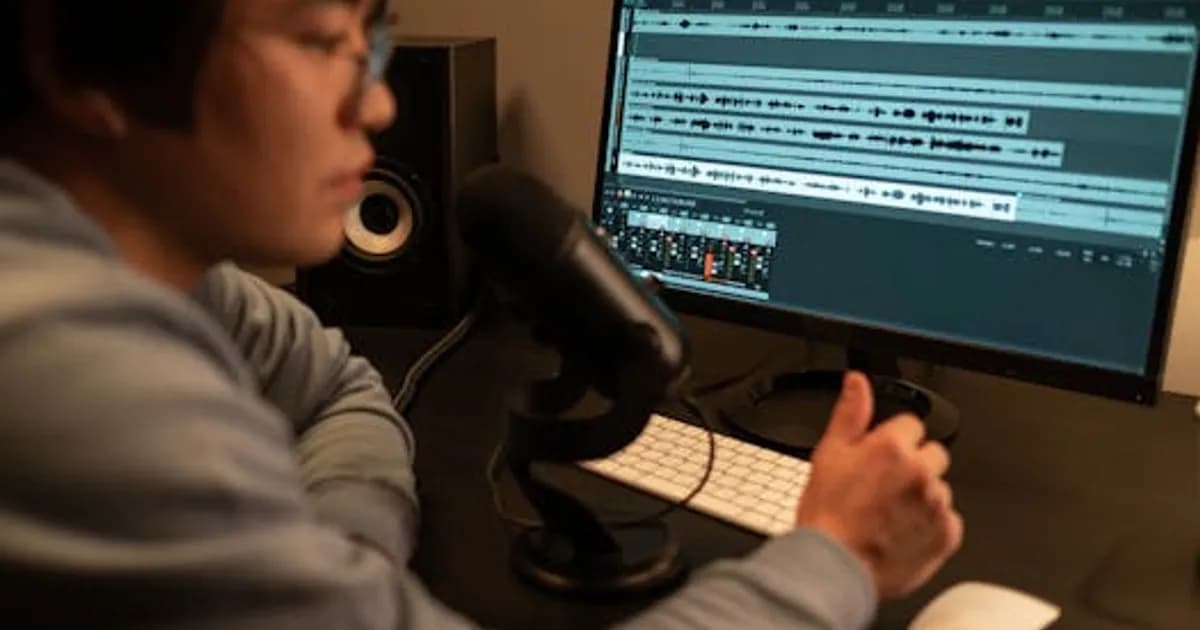
AI Podcast Tools in 2026: Automate Your Audio Content
Podcasting has never been more competitive—or more accessible. AI podcast tools are compressing what used to take days of post-production into hours, and in some cases into minutes.
In 2026, creators and media companies are using AI tools to transcribe audio instantly, remove filler words and silences, generate show notes and chapter markers, clone voices for localization, and repurpose episodes into written and video content. The production workflow has fundamentally changed.
Here's what's available, what works, and what has real limitations that creators need to understand before committing to any AI podcast workflow.
Transcription: The Foundation of AI Podcast Workflows
Accurate transcription is the entry point for almost every AI podcast tool. Once audio is converted to text, AI can summarize it, extract quotes, generate chapters, and create social content.
Transcription accuracy in 2026 is excellent for clear speech in standard acoustic environments. Word error rates below 5% are routine for major platforms. The real differentiators are:
- Speaker diarization: Correctly identifying and labeling different speakers
- Technical vocabulary: Models trained on specific domains handle jargon better
- Accent handling: Significant variation still exists between tools on non-standard accents
- Processing speed: Some platforms deliver transcripts in near real-time; others take several minutes per hour of audio
Leading tools in this space include Otter.ai, Descript, Riverside.fm, and Adobe Podcast. Each has a slightly different positioning—Descript's text-based editing interface lets you edit audio by editing the transcript, which fundamentally changes the post-production workflow for many creators.
AI Audio Editing: Cut the Tedious Work
Manual audio editing is time-consuming. AI audio editing tools handle the most repetitive tasks automatically:
- Silence removal: Automatically cuts dead air and pauses that exceed a set threshold
- Filler word removal: Removes "um," "uh," "you know," and similar speech artifacts with adjustable sensitivity
- Noise reduction: Removes background noise, HVAC hum, and room reverb
- Level normalization: Ensures consistent volume between speakers and across episodes
- Breath removal: Eliminates distracting breath sounds without affecting natural pacing
Descript, Adobe Podcast Enhanced Speech, and Auphonic are the most commonly used platforms for AI audio editing. Adobe's speech enhancement is particularly notable—it can make audio recorded on a laptop microphone sound comparable to studio-recorded material.
One important limitation: aggressive filler word removal can make speech sound unnatural, especially for conversational podcasts where some hesitation is part of the host's authentic voice. The sensitivity settings matter more than most creators initially realize.
Show Notes, Summaries, and SEO Content
AI can generate podcast show notes, chapter markers, email newsletter content, and social media posts directly from transcripts. For high-volume producers, this alone justifies the tool cost.
The quality depends on transcript accuracy and the AI model being used. Good show notes from AI require:
- A clean, accurate transcript with speaker attribution
- A prompt or template that specifies tone and desired format
- Human review for factual accuracy and voice consistency
Tools like Castmagic, Riverside.fm, and dedicated show notes plugins for major podcast platforms handle this workflow. The output quality has improved significantly—AI-generated show notes in 2026 typically need minor editing rather than complete rewrites.
Voice Cloning and Localization
AI voice cloning has matured into a practical podcast tool—with important ethical and legal considerations that creators must understand.
The legitimate use cases are compelling:
- Error correction: Fix a mispronounced word or garbled sentence using a cloned version of the host's voice without re-recording
- Localization: Translate podcast content into other languages while preserving the host's vocal character
- Ad insertion: Generate ad reads in the host's voice for sponsorships that weren't recorded during the original session
ElevenLabs, Resemble.ai, and Descript's Overdub are leading platforms for voice cloning. Most require explicit consent from the voice owner and include watermarking of synthetic audio.
The legal landscape is evolving fast. Using someone's voice clone without consent is illegal in an increasing number of jurisdictions, and major podcast platforms are updating their policies. AI content detection tools are increasingly used to identify AI-generated voice content on platforms.
Repurposing: From One Episode to Many Content Pieces
Content repurposing is where AI podcast tools create the most leverage for creators with large back catalogs. A single one-hour episode can generate:
- A written blog post or article
- 5-10 short-form video clips for social media
- An email newsletter
- 3-5 audiogram clips with animated waveforms
- LinkedIn posts quoting key insights
- A Twitter/X thread of the main points
Tools like Opus Clip, Repurpose.io, and Descript's Clips feature handle video podcast repurposing. For audio-only shows, the workflow typically goes transcript → AI summarization → human editing → distribution.
The content quality varies by tool and episode type. Repurposed clips that perform well on social usually still require a human to select the most engaging moments—AI clip selection is improving but not yet consistently beating experienced human editors on this judgment call.
Recording Quality and Remote Interviews
Getting good audio from remote guests has historically been a challenge. AI processing can partially compensate for bad recording environments, but the tools that prevent the problem are better than the ones that fix it.
Riverside.fm and Squadcast both record local audio tracks from each participant separately, then mix them together—this avoids the quality degradation from internet calls. Riverside's AI post-production then processes each track individually for noise reduction and level matching.
For hosts using local microphones, the range of AI speech enhancement tools has made good-enough quality achievable on a modest budget. Room treatment matters less than it used to when AI can remove reverb after the fact.
What AI Podcast Tools Cost in 2026
The pricing landscape is accessible at multiple tiers:
- Basic transcription and editing: $15-25/month for hobbyist-scale use
- Professional workflow tools: $40-80/month
- Enterprise-level features including voice cloning and advanced analytics: $150-500/month
For professional podcasters and media companies, the time savings justify even the higher-end costs quickly. An editor charging $50-100 per hour who saves five hours per episode per week has an obvious ROI calculation.
Choosing the Right AI Podcast Stack
There's no single platform that does everything best. A practical 2026 podcast AI stack often looks like:
- Recording: Riverside.fm or Squadcast for remote, local mic for solo
- Transcription and editing: Descript for the text-based editing workflow
- Audio enhancement: Adobe Podcast Enhanced Speech for quality improvement
- Show notes and summaries: Castmagic or a custom GPT-based workflow
- Repurposing: Opus Clip for social video clips
The Bottom Line on AI Podcast Tools
AI podcast tools in 2026 are mature enough that not using them is a competitive disadvantage for professional creators. The workflow benefits are real—faster turnaround, better audio quality, and significantly more content from each recording session.
What the tools don't replace: developing a distinctive voice, building an audience, booking compelling guests, and asking the right questions in an interview. Those remain entirely human skills.
Start with transcription and AI audio cleanup, then add show notes automation and repurposing as your workflow matures. The learning curve is shallow; the time savings are immediate.
Comments
Loading comments...