
AI Interior Design Tools in 2026: Redesign Any Room Easily
AI Interior Design Tools in 2026: Redesign Any Room Easily
Redecorating used to mean scrolling through endless product pages, hoping the couch you liked online would look right in your actual living room, and optionally spending thousands on an interior designer who might or might not understand your vision. AI interior design tools in 2026 have changed all three of those problems.
The best AI interior design tools let you photograph your room, describe what you want, and see realistic visualizations of the result before buying anything. They can suggest furniture that fits your space dimensions, coordinates with what you already own, and falls within your budget. They won't replace a skilled human designer for complex renovations — but for the vast majority of home decor decisions, they're surprisingly effective.
Here's how the category works and which specific tools are worth your time.
How AI Interior Design Tools Work
Modern AI interior design tools combine a few distinct capabilities:
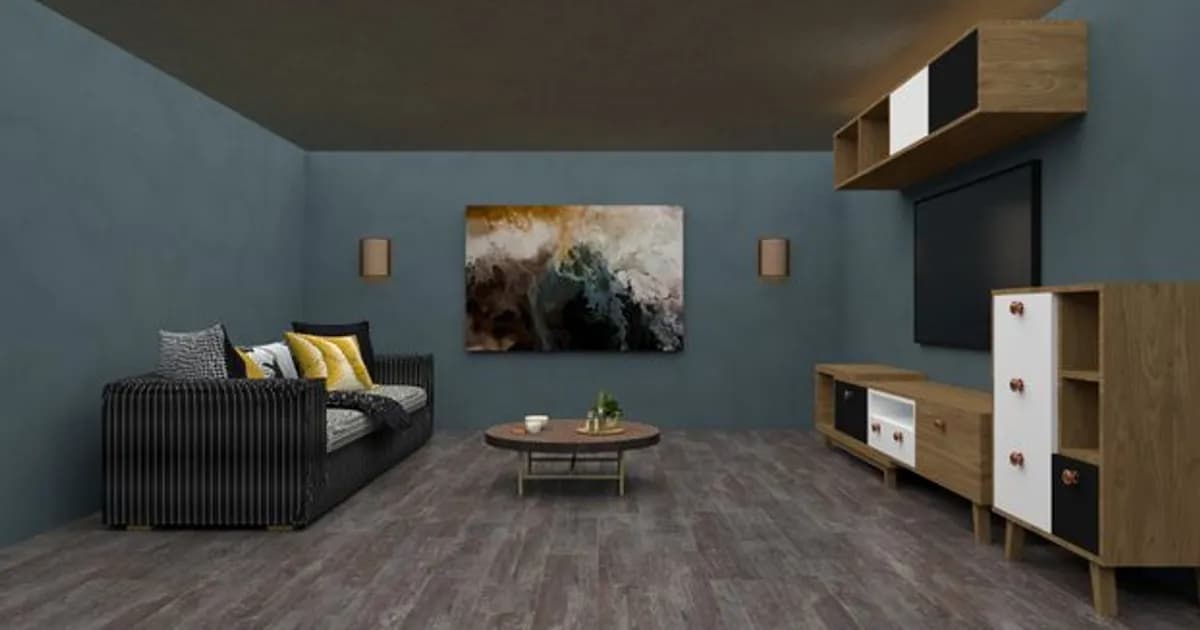
Room rendering and visualization — Using your photos and spatial data, AI generates realistic visualizations of design changes. The best tools produce photorealistic renders, not cartoon sketches, which are genuinely useful for evaluating whether a change will look good.
Style matching — AI can analyze your existing furniture and decor, identify the underlying aesthetic (mid-century modern, Scandinavian minimalist, maximalist, industrial), and suggest new pieces that fit the established style.
Spatial reasoning — Good tools understand three-dimensional space: not just how individual pieces look, but whether they fit physically and create the right proportions for the room's dimensions.
Product sourcing — Many AI interior design tools connect directly to retailer catalogs, letting you click through from a visualization to an actual product you can purchase. The best tools search across multiple retailers and compare prices.
Virtual staging — A feature particularly useful for home sellers and real estate agents: AI can generate furnished versions of empty rooms, helping buyers visualize a space's potential.
The Best AI Interior Design Tools in 2026
Houzz Pro with AI Visualizer
Houzz's professional design platform has developed one of the most capable AI visualization tools available. You photograph your existing room, and the AI can virtually replace individual elements — a specific chair, the wall color, the flooring — while keeping everything else consistent.
The product integration is particularly strong. Houzz's catalog includes products from thousands of retailers, and the AI can surface items that match your visualized design choices at multiple price points. For someone genuinely planning a room redesign, this tool-to-purchase flow is the most seamless available.
Best for: Complete room redesign planning with product shopping integration.
Roomvo
Roomvo specializes in flooring, wallpaper, and tile visualization. You photograph your room and instantly see what different flooring options look like in your actual space — with accurate representation of how the grain, color, and texture appear under your room's lighting.
The tool is embedded in many major flooring and tile retailers' websites, so the experience is buying-focused rather than design-focused. If you're evaluating flooring options, it's the most useful AR-based tool available.
Best for: Flooring, tile, and surface material decisions.
Modsy (Now Powered by Havenly AI)
After the Modsy-Havenly combination, the resulting platform offers AI-generated room designs with optional human designer review. You fill out a style questionnaire, upload photos and room measurements, and the AI generates multiple fully-furnished design concepts using shoppable products.
You can purchase any individual item from the designs, get the full product list, or — for a higher tier — have a human designer refine the AI-generated concept into a more polished recommendation.
Best for: Full-room designs with shoppable furniture and optional human input.
Interior AI
Interior AI has become the most popular AI interior design tool for quick inspiration. Upload a photo of any room and the AI generates photorealistic redesigns in different styles — Japandi, bohemian, contemporary, coastal — in seconds. The quality is impressive and the speed is unmatched.
The limitation is that Interior AI generates concepts rather than shoppable designs. You see what a style could look like, but you then have to find the actual products yourself. For inspiration and style exploration, it's excellent; for actionable design plans, you need to supplement it.
Best for: Style exploration and design inspiration.
IKEA AI Design Tool
IKEA's built-in planning tools have incorporated AI significantly. The AI room planner can optimize furniture arrangements for your room's dimensions, ensure adequate circulation space, and prevent placement decisions that violate basic spatial principles (furniture blocking windows, pieces that are too large for the wall, etc.).
Naturally, the product suggestions are limited to IKEA's catalog. For shoppers planning IKEA-sourced rooms, the tool is uniquely capable. For multi-retailer design, you need a different option.
Best for: Planning IKEA-sourced rooms and optimizing furniture placement.
AI Color and Material Matching
Choosing colors that work together and coordinate with existing furniture is one of the most error-prone decisions in home design. AI tools have made this meaningfully easier.
Sherwin-Williams ColorSnap — Photograph any room and the app identifies the colors of existing elements (furniture, flooring, trim), then suggests paint colors that complement them. The suggestions are grounded in Sherwin-Williams' catalog but the matching logic is genuinely useful.
Benjamin Moore Color Portfolio — Similar functionality with a more detailed style questionnaire that refines suggestions based on your aesthetic preferences and lighting conditions.
Colormind — A free AI color palette generator that creates coordinated color schemes for any room. Less integrated with product shopping but useful for exploration.
AI for Furniture and Object Identification
A useful sub-category of AI interior design tools identifies specific furniture pieces from photos.
Stylr — Upload a photo with a piece of furniture you like and the AI identifies similar products across multiple retailers, often including both the original piece (if it's a designer item) and less expensive alternatives. This "find this look" functionality has become one of the most useful capabilities for people who want a specific aesthetic but aren't brand-loyal.
Google Lens — Particularly effective for identifying furniture pieces from photos. Point at a couch in a magazine or a friend's living room and Google Lens often finds the exact piece or close alternatives.
Virtual Staging for Home Sellers
For sellers and real estate agents, AI virtual staging has become a standard practice in many markets.
Companies including Stuccco, Virtual Staging AI, and Virtually Staging Properties offer AI virtual staging services where empty room photos are transformed into furnished, styled spaces within 24 hours at a fraction of the cost of physical staging.
The quality of AI virtual staging has improved to the point where photorealistic renders are indistinguishable from photos of physically staged spaces for most viewers. Listings with virtual staging consistently show higher engagement rates on portals like Zillow and Realtor.com compared to empty room photos.
For real estate professionals, this connects directly to core business outcomes. Our AI Tools for Real Estate Agents in 2026 guide covers the full toolkit including virtual staging alongside other AI applications in real estate.
What AI Interior Design Tools Can't Do
Honest limitations:
Scale and proportion uncertainty — Even with measurements, AI visualizations sometimes misrepresent how large a piece of furniture will feel in a room. Real-world space perception doesn't always match digital renders.
Lighting accuracy — How a color or material looks in your room's specific light conditions — which change through the day and between natural and artificial light — is difficult to replicate accurately in visualizations.
Material texture and quality — AI renders make every sofa look like it has the same quality of upholstery. They can't tell you whether a specific piece will feel cheap in person or justify its price.
Renovation planning — For anything involving structural changes — removing walls, adding windows, reconfiguring kitchens and bathrooms — professional designers and architects provide capabilities that AI tools don't approach.
How to Use AI Interior Design Tools Most Effectively
A few practices maximize the value from these tools:
Use multiple tools together. Start with Interior AI for inspiration, shift to Houzz or Modsy for actionable furniture suggestions, and use Roomvo if flooring or wallpaper is part of the plan.
Measure before you visualize. The more precise your room measurements, the more accurate the AI's spatial planning will be.
Trust the vibe, verify the specifics. AI visualizations are excellent for evaluating whether a style works overall. For specific product decisions, check the item's actual dimensions, reviews, and return policy before purchasing.
Use it for conversations. AI-generated room visualizations are useful for aligning on aesthetic choices with a partner or communicating your vision to a contractor or painter, even if you ultimately don't use the tool to make purchase decisions.
Getting Started
If you've never tried an AI interior design tool, the fastest way to see the value is to photograph one room in your home and upload it to Interior AI. Seeing your actual room rendered in three or four different design styles — in about fifteen seconds — makes the technology's potential immediately tangible.
From there, if you're ready to act on the inspiration, Houzz Pro or Modsy provide the product integration that turns visualization into actual purchasing decisions.
Start today: Upload a photo of a room you've been meaning to update to Interior AI (available free at interiorai.com) and see your space through a different aesthetic lens. The best redesign often starts with seeing the possibilities.
Comments
Loading comments...